Basic Computer Skills

- Description
- Curriculum
- Reviews

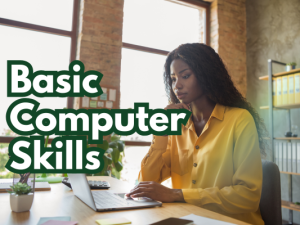
This course introduces learners to essential computer skills needed for study, work, and everyday digital tasks. Students will learn how to operate a computer, manage files and folders, use basic software applications, browse the internet safely, and practice effective digital communication. The course also covers keyboarding skills, email use, and basic troubleshooting. By the end, learners will be able to navigate a computer confidently and perform common digital tasks with ease.


Objectives
Understand Basic Computer Concepts
Identify computer components (hardware and software).
Understand operating systems and basic functions.
Operate a Computer Efficiently
Power on/off, manage settings, use desktop icons, and navigate menus.
Use a mouse and keyboard effectively.
Manage Files and Folders
Create, save, organize, move, copy, and delete files.
Understand basic storage devices (USB, cloud storage, hard drives).
Use Common Software Applications
Work with word processors, spreadsheets, and presentation tools.
Perform basic formatting, data entry, and document creation.
Browse the Internet and Use Online Tools
Use search engines, open websites, and download/upload files.
Recognize safe browsing practices and avoid online risks.
Communicate Digitally
Use email: compose, send, reply, attach files, and organize inboxes.
Understand basic online etiquette and privacy.
Solve Basic Technical Problems
Troubleshoot simple issues such as connection problems, frozen screens, or software errors.
No prior computer knowledge required.
Basic reading and writing skills.